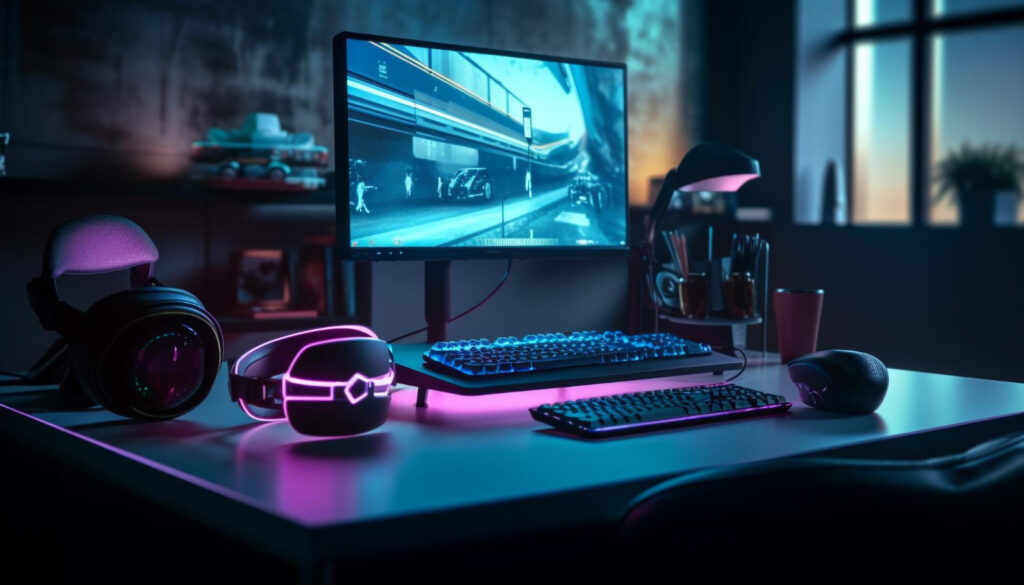
Building or buying a gaming PC no longer requires spending thousands of dollars. In 2026, budget gaming PCs have become more powerful than ever, offering excellent frame rates, smooth gameplay, and impressive upgrade potential at affordable prices. Whether you’re playing competitive esports titles like Valorant, Counter-Strike 2, Fortnite, and Apex Legends, or enjoying modern AAA games, there are plenty of budget-friendly options capable of delivering high FPS performance.
The key to finding the best budget gaming PC is understanding which components matter most. A balanced combination of CPU, GPU, RAM, and storage can dramatically impact gaming performance. This guide explores the best budget gaming PC options for 2026 and helps you choose the right setup based on your gaming goals and budget.
What Makes a Good Budget Gaming PC?
Many gamers mistakenly focus only on the graphics card. While the GPU plays a major role, overall system balance is equally important. A strong gaming PC should provide smooth frame rates without bottlenecks.
Key Components to Prioritize
- Modern multi-core processor
- Dedicated graphics card
- At least 16GB RAM
- Fast NVMe SSD storage
- Reliable power supply
- Good airflow and cooling
Most gaming experts consider the $800 to $1,000 range the sweet spot for budget gaming in 2026 because it provides excellent value while delivering strong 1080p and solid 1440p performance.
Best Entry-Level Gaming PC Build (Around $700)
Recommended Specifications
- CPU: AMD Ryzen 5 5600
- GPU: AMD Radeon RX 7600
- RAM: 16GB DDR4
- Storage: 1TB NVMe SSD
- Power Supply: 650W 80+ Bronze
This configuration is perfect for gamers who primarily play competitive esports titles. Games such as Valorant, CS2, Rocket League, and Fortnite can easily exceed 144 FPS at 1080p settings.
Expected Performance
- Valorant: 250+ FPS
- Counter-Strike 2: 180+ FPS
- Fortnite: 140+ FPS
- Apex Legends: 120+ FPS
For players using high-refresh-rate monitors, this build delivers exceptional value without breaking the bank.
Best Budget Gaming PC Overall (Around $900)
Recommended Specifications
- CPU: AMD Ryzen 5 9600X
- GPU: NVIDIA RTX 4060
- RAM: 16GB DDR5
- Storage: 1TB NVMe SSD
- Power Supply: 650W Gold
This setup hits the ideal balance between affordability and gaming performance. Modern budget gaming systems in this range are capable of handling virtually every game at high settings while maintaining strong frame rates.
Most gamers will find this price range offers the best overall value in 2026.
Expected Performance
- Cyberpunk 2077: 70-90 FPS
- Call of Duty: 120+ FPS
- Fortnite: 180+ FPS
- Forza Horizon 5: 100+ FPS
Best Budget 1440p Gaming PC (Around $1,100)
Recommended Specifications
- CPU: AMD Ryzen 5 7600
- GPU: RTX 5060 Ti or RX 7700 XT
- RAM: 32GB DDR5
- Storage: 1TB SSD
- Power Supply: 750W Gold
If you want higher image quality and smoother gameplay at 1440p resolution, this build provides excellent performance. It offers a noticeable improvement in visual quality compared to standard 1080p gaming while maintaining high frame rates.
Expected Performance
- Cyberpunk 2077: 80+ FPS
- Black Myth: Wukong: 70+ FPS
- Starfield: 75+ FPS
- Fortnite: 180+ FPS
Prebuilt vs Custom Built Gaming PCs
One of the biggest decisions gamers face is whether to buy a prebuilt gaming PC or build one themselves.
Advantages of Prebuilt PCs
- Ready to use immediately
- Warranty support
- No assembly required
- Professional cable management
Advantages of Building Your Own PC
- Better component selection
- Potentially lower cost
- Greater upgrade flexibility
- Educational experience
Recent market trends have shown that prebuilt systems often provide surprisingly competitive value because manufacturers purchase components in bulk and can offset rising hardware costs.
How Much RAM Do You Need in 2026?
For modern gaming, 16GB RAM remains the minimum recommendation. However, many gamers are now moving to 32GB because newer games, streaming software, browsers, and background applications consume more memory than ever before.
- 16GB: Ideal for most gamers
- 32GB: Best for multitasking and future-proofing
- 64GB: Unnecessary for most gaming setups
Best GPUs for Budget Gaming
Graphics cards have the greatest impact on gaming performance. Choosing the right GPU can significantly increase frame rates and improve visual quality.
Top Budget GPU Options
- RTX 4060
- RTX 5060
- RTX 5060 Ti
- RX 7600
- RX 7700 XT
These graphics cards provide excellent performance for both competitive gaming and modern AAA titles while remaining relatively affordable compared to enthusiast-level options.
Future Upgrade Potential
One advantage of PC gaming is upgradeability. Even budget gaming PCs can be improved over time by upgrading specific components.
Prioritize a quality motherboard and power supply when building a budget gaming PC. These components make future upgrades easier and more cost-effective.
Recommended Upgrade Path
- Add more RAM
- Upgrade the graphics card
- Install additional SSD storage
- Upgrade the processor
Buying Tips for Budget Gamers
- Focus on GPU performance first.
- Don’t overspend on RGB lighting.
- Choose SSD storage over HDDs.
- Buy a quality power supply.
- Look for upgrade-friendly platforms.
- Match your PC to your monitor resolution.
Final Verdict
The best budget gaming PC in 2026 depends on your performance goals and spending limit. For most gamers, a system featuring a Ryzen 5 processor, 16GB RAM, and an RTX 4060 or RX 7600 offers the ideal balance of price and performance. Competitive gamers can enjoy extremely high frame rates at 1080p, while slightly higher budgets unlock excellent 1440p gaming experiences.
Modern budget gaming PCs are more capable than ever before, proving that you don’t need a premium-priced system to enjoy smooth gameplay, high FPS performance, and an outstanding gaming experience.